
nsite-clay
A self-editable nsite. One HTML file that edits and republishes itself, hosted on Nostr.
What it is
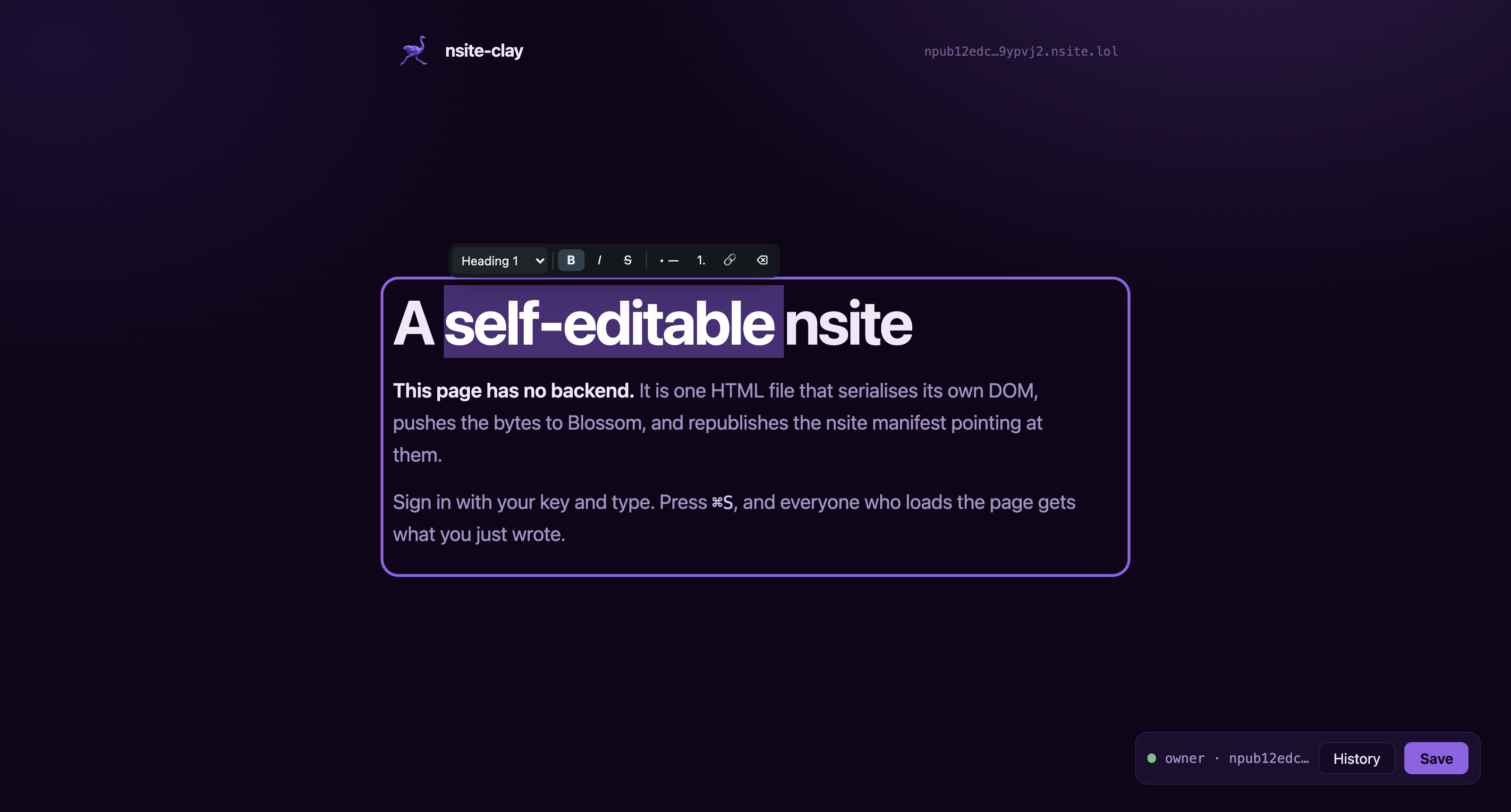
Open the page, sign in with your key, and type into it. The document serialises its own DOM, pushes those bytes to a Blossom server as one content-addressed blob, and republishes the NIP-5A nsite manifest that points at it. Anyone else loading the page gets a plain static document with your changes already in it.
Nothing in that loop is a server you have to run. Relays hold the manifest, Blossom servers hold the bytes, and the browser does the rest. Ownership is a keypair, so who may edit this page is not a row in somebody else's database.
- 01 SNAPSHOT
The page clones its own DOM, cleans it up, and serialises the whole document.
- 02 BLOSSOM
Those bytes go to a Blossom server as a blob addressed by its own sha256.
- 03 MANIFEST
A replaceable nsite event maps the path to that hash. Publishing it is the deploy.
This page you are reading is one of those documents. It runs nsite-clay and saves itself the same way.
The whole integration
One attribute says who owns the file, one marks what people can type into, one script tag does the rest.
<!DOCTYPE html>
<html lang="en" autosave nc:owner="npub1…">
<head><meta charset="utf-8"><title>Notes</title></head>
<body>
  <h1 editable="single-line">My notes</h1>
  <div editable>
    <p>Type anything here.</p>
  </div>
  <script src="/nsite-clay-752a3641.js"></script>
</body>
</html>
Save it, then open the file in a text editor: your words are in the HTML. The DOM is the database, so there is no other place for state to live.
Editing
Mark a container editable and it becomes rich text for the
owner and ordinary markup for everybody else.
Enter starts a new paragraph. Selecting text raises a floating toolbar whose first control is a block menu: Paragraph, Heading 1 to 3, Quote, Code block.
Keyboard shortcuts work as you would expect, and typing # ,
- or > at the start of a line does too.
What reaches the file is markup a person could have written by hand. The toolbar and the debris browsers emit from editing commands never get saved.
Try it, with a real key
A live document is published under a throwaway key, and the key is public on purpose. Open it, press Sign in, paste the nsec, and edit the page. Your save rewrites the real document for everyone.
Anyone can rewrite that page, so whatever you find there is other people's leftovers. Never paste a key you care about into a page you did not publish yourself.
Deploy your own
The CLI publishes the first version. After that the page saves itself, and you only come back for changes made outside the browser.
# scaffold a site and generate a key for it
npx nsite-clay init mysite

# publish it
npx nsite-clay deploy mysite --sec=nsec1…

# or keep the key off this machine and sign through a bunker
npx nsite-clay deploy mysite --bunker="bunker://…"
Your site lands at https://<npub>.nsite.lol/. Named sites
get their own subdomain, every save files a permanent version with its own URL, and any
NIP-5A gateway serves the same site, so you can point a CNAME at one for a custom domain.
Assets are published at paths carrying their content hash, and each document watches its own manifest and reloads itself when a newer version appears. Nobody needs to know what a hard refresh is.
What it does not do
- One key writes the document. The manifest carries one signature. No shared editing, no per-visitor content.
- No conflict detection. A replaceable event has no compare-and-swap, so two devices editing at once will silently lose one side's work.
- The gateway is trusted for the first byte. The entry document cannot verify itself. Everything it depends on is hash-checked, and the manifest, blobs and history all live outside the gateway, so you can verify through another one or run your own.
- No server code. If your project needs a backend, this is the wrong tool.